Teams
A workflow with clear ownership.
Bring pages, languages, revision history and access into the same workspace. Advanced approval and collaboration follow the features enabled for your plan.
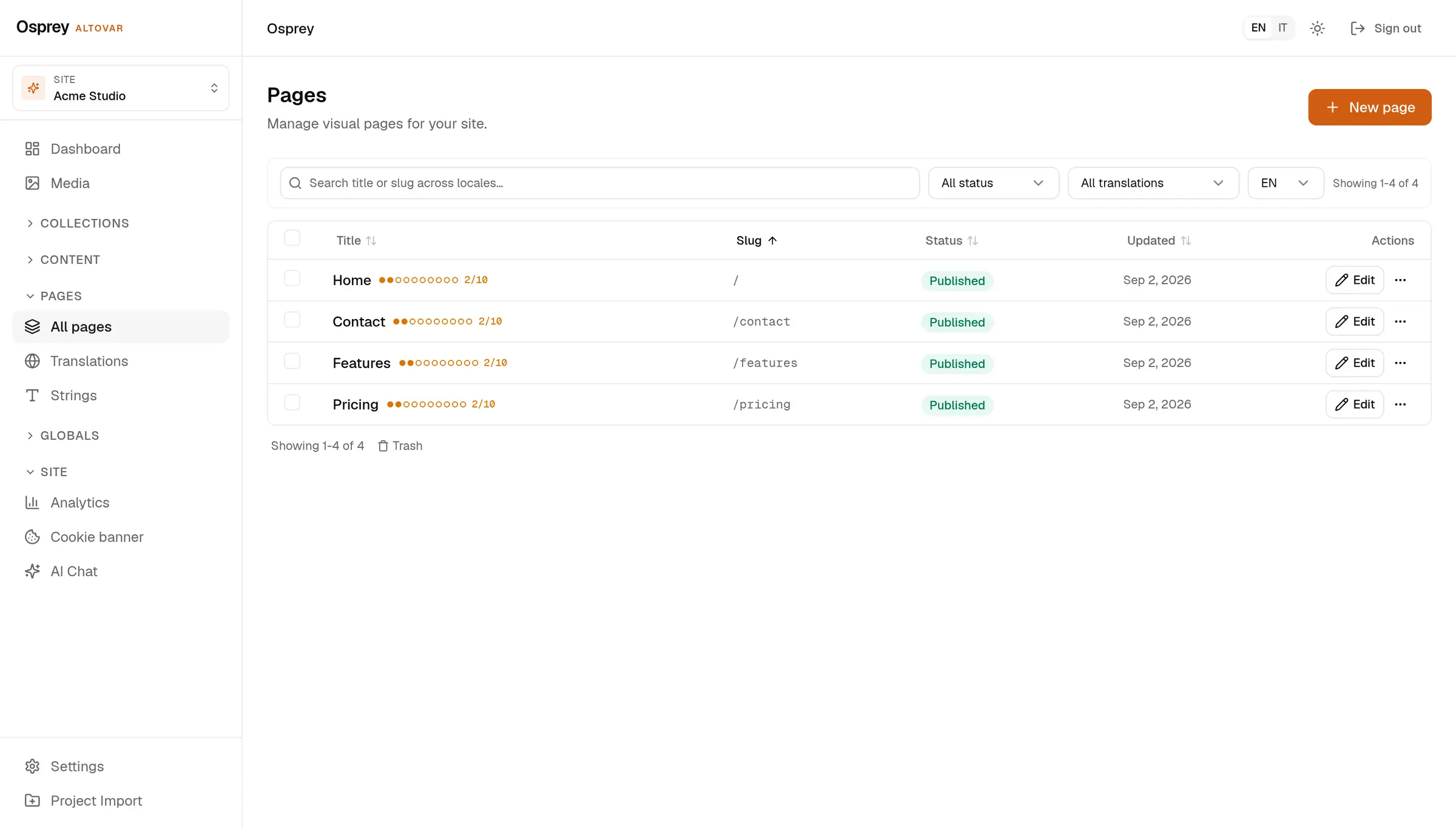
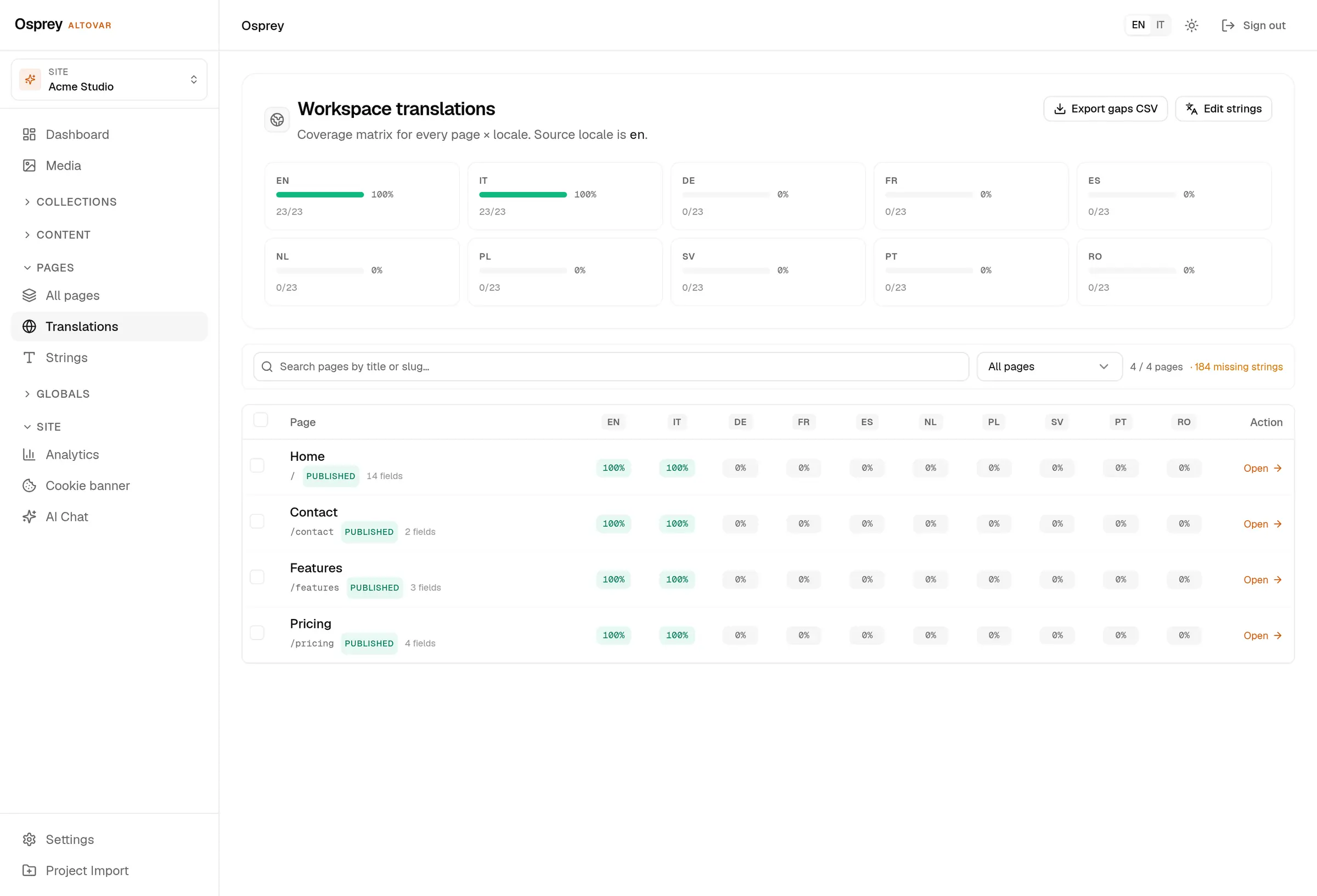
Work across languages
Every localized field, every locale, counted.
- Content locales
- en, it, es, de, fr, nl, pl, sv, pt, ro.
- Admin
- English, Italian, German, French and Spanish, switched from the top bar.
- Coverage
- A matrix per page and locale, and the missing strings as a CSV.
- Delivery
- One query parameter picks the language; hreflang alternates travel with each entry.
Review, then publish
Drafts stay private. When you publish, the entry becomes available to the connected site, and a signed webhook can trigger a rebuild.
- Review
- Check the preview, review changes and keep a version history. Advanced approval and scheduling follow eligible plans and configured workers.
- Revisions
- page history with diff and restore
- Trash
- deleted pages wait; restore them or delete for good
Limits and included features come from the billing catalog. Advanced approvals, live collaboration and field permissions require an eligible plan or contract; they are not implied by Starter.
Keep control of access
Give people the access they need. Keep a history of changes and a path back to earlier content.
- Roles
- admin, editor, author, contributor, viewer
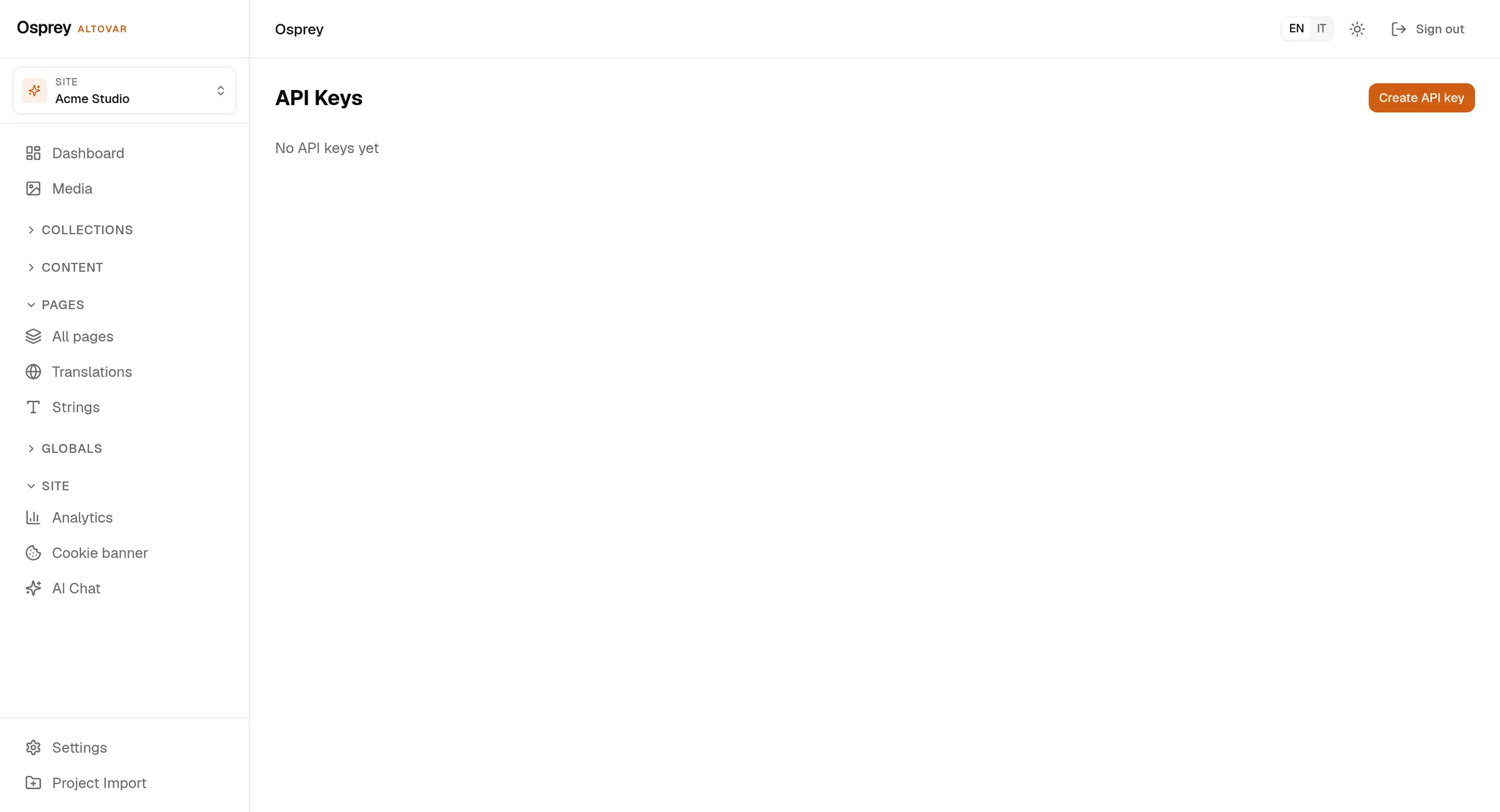
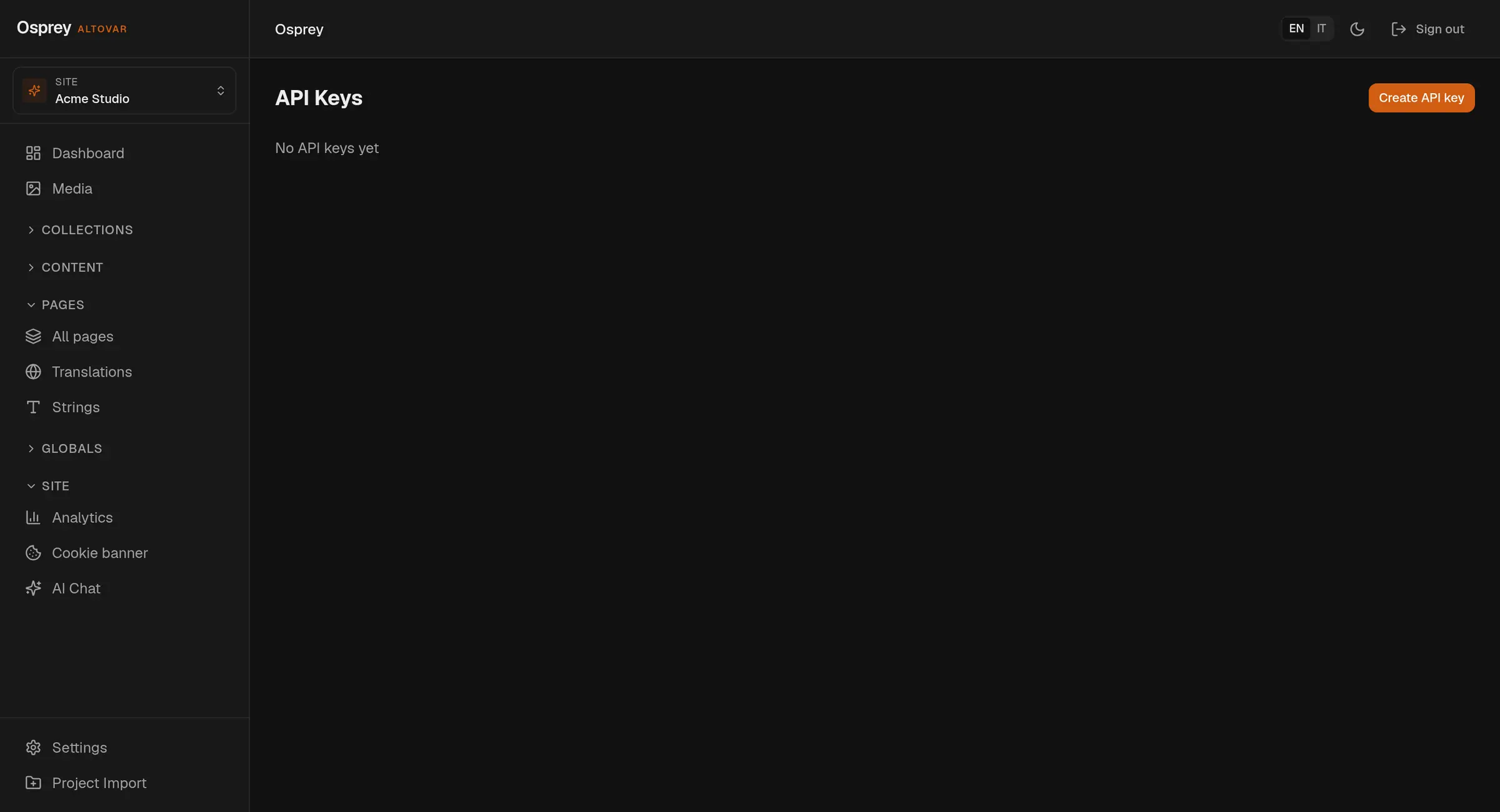
- API keys
- Five workspace roles and scoped, expiring API keys keep access explicit. Advanced permissions follow plan eligibility.
- Audit log
- who, what, when and from where, for users, API keys, webhooks, domains, collections and media
- Rate limits
- one bucket per route family, limits in the response headers
Limits and included features come from the billing catalog. Advanced approvals, live collaboration and field permissions require an eligible plan or contract; they are not implied by Starter.
Questions
Explore the platform01What is Osprey?
A headless CMS by Altovar for structured content, visual page editing, media and localized publishing. Your frontend stays separate from the content workspace.
02Can I build pages visually?
Yes. Work with blocks and a connected frontend preview. The visual editor requires the frontend integration and preview bridge to be configured. Try the local interactive editor on this site.
03How do languages work?
Configure up to ten content locales per workspace, edit localized fields and inspect translation coverage. The admin interface has five languages. AI translation depends on service configuration and allowance.
04What can Altovar AI do?
Help prepare draft pages, sections, copy, translations and SEO fields inside the CMS. It requires configured AI services and an available allowance. Actions follow the signed-in user’s permissions.
05Which features depend on my plan?
Limits and included features come from the billing catalog. Advanced approvals, live collaboration and field permissions require an eligible plan or contract; they are not implied by Starter.
06Can I use my own frontend or servers?
Yes. Osprey has first-party Astro and React/Next.js support, REST APIs and read-only GraphQL. Managed hosting and self-hosting are available; private packages and deployment access follow your agreement.
Create content.
Keep
control.
One workspace. From the first draft to your frontend.