Altovar AI
An idea. A working draft.
Altovar AI helps prepare pages, improve copy, generate sections and fill translation or SEO gaps. Your permissions and configured allowance stay in control.
AI requires a configured service and an available workspace allowance. Background helpers are opt-in; availability depends on configuration and plan.
Create with Altovar AI
Altovar AI works inside the CMS: plan a site, prepare draft pages, improve text, generate sections and help fill translation or SEO gaps.
- A conversation with your content
- Read pages and collections, plan a sitemap and build draft pages with the integrated agent. Available actions follow the signed-in user’s permissions.
- Help at the point of creation
- Improve copy, generate page sections, propose SEO fields and alt text, and translate missing strings from the editor.
- Activation and allowances
- AI requires a configured service and an available workspace allowance. Background helpers are opt-in; availability depends on configuration and plan.
AI requires a configured service and an available workspace allowance. Background helpers are opt-in; availability depends on configuration and plan.
Run your content operations
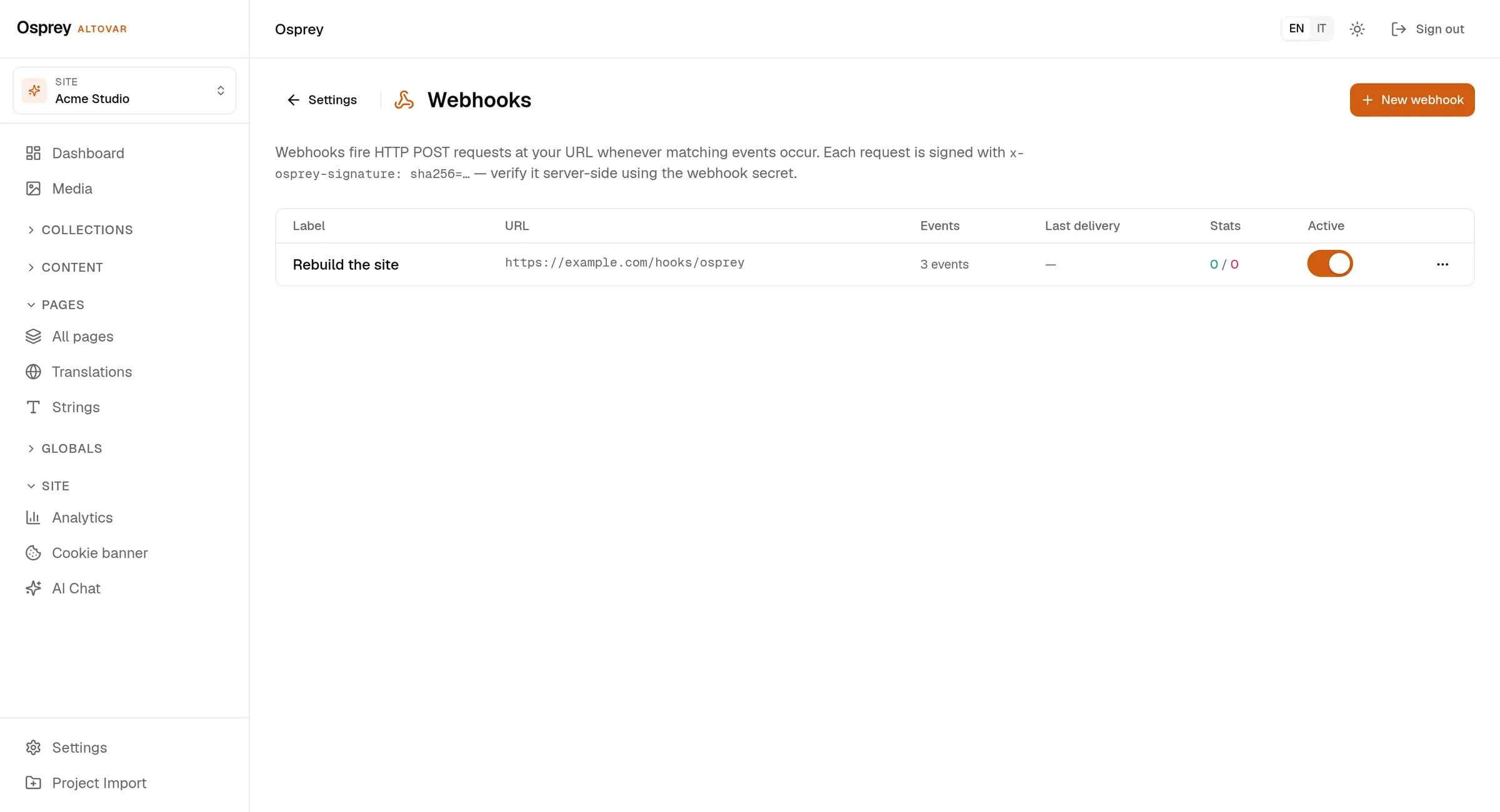
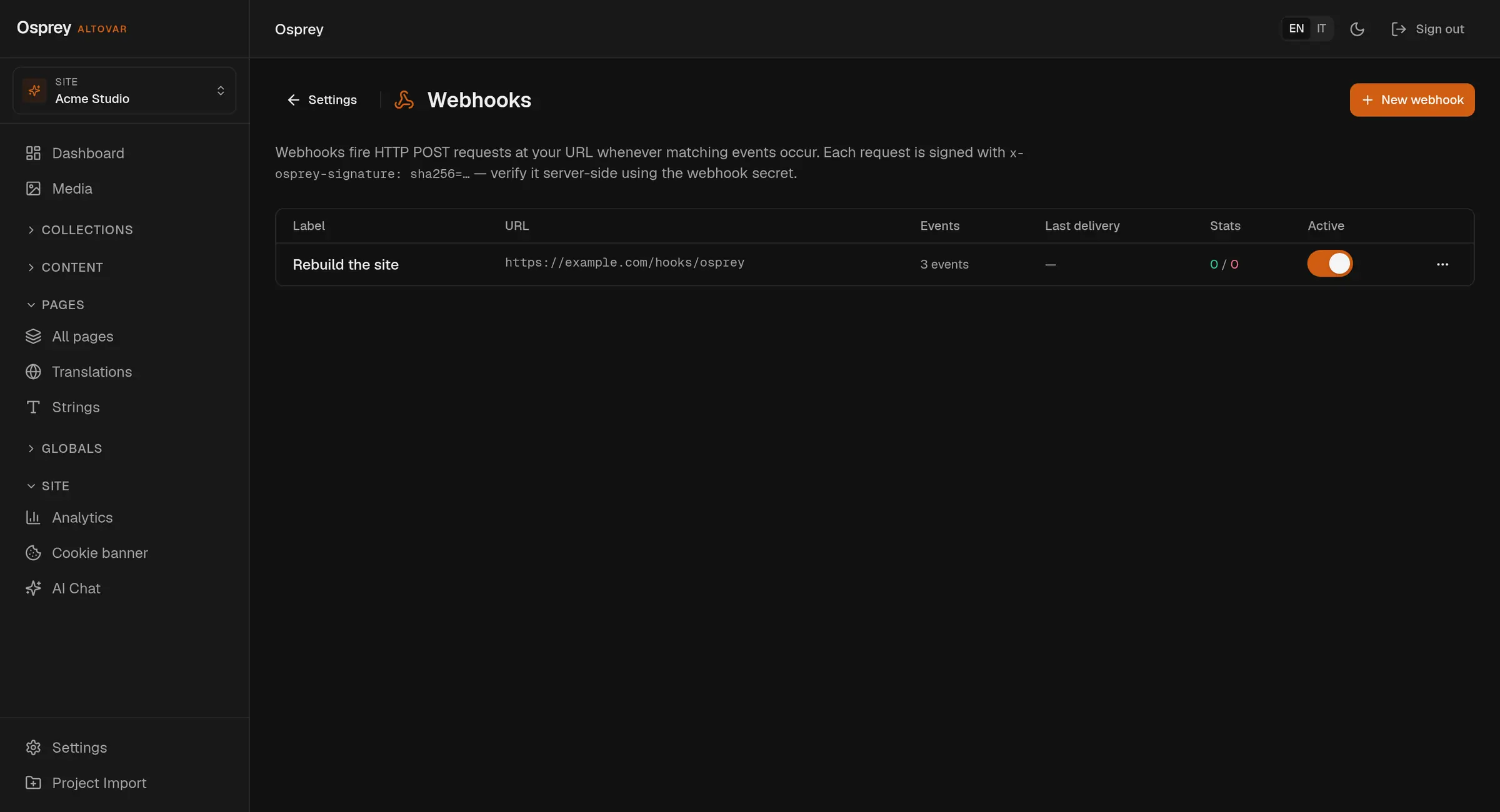
Media, SEO, forms and webhooks connect content to the work around it.
- Media library
- Upload and organize assets, manage alt text, and serve image transformations through the media API.
- SEO and delivery metadata
- Manage page titles, descriptions, canonical URLs and language alternates alongside the content.
Questions
Explore the platform01What is Osprey?
A headless CMS by Altovar for structured content, visual page editing, media and localized publishing. Your frontend stays separate from the content workspace.
02Can I build pages visually?
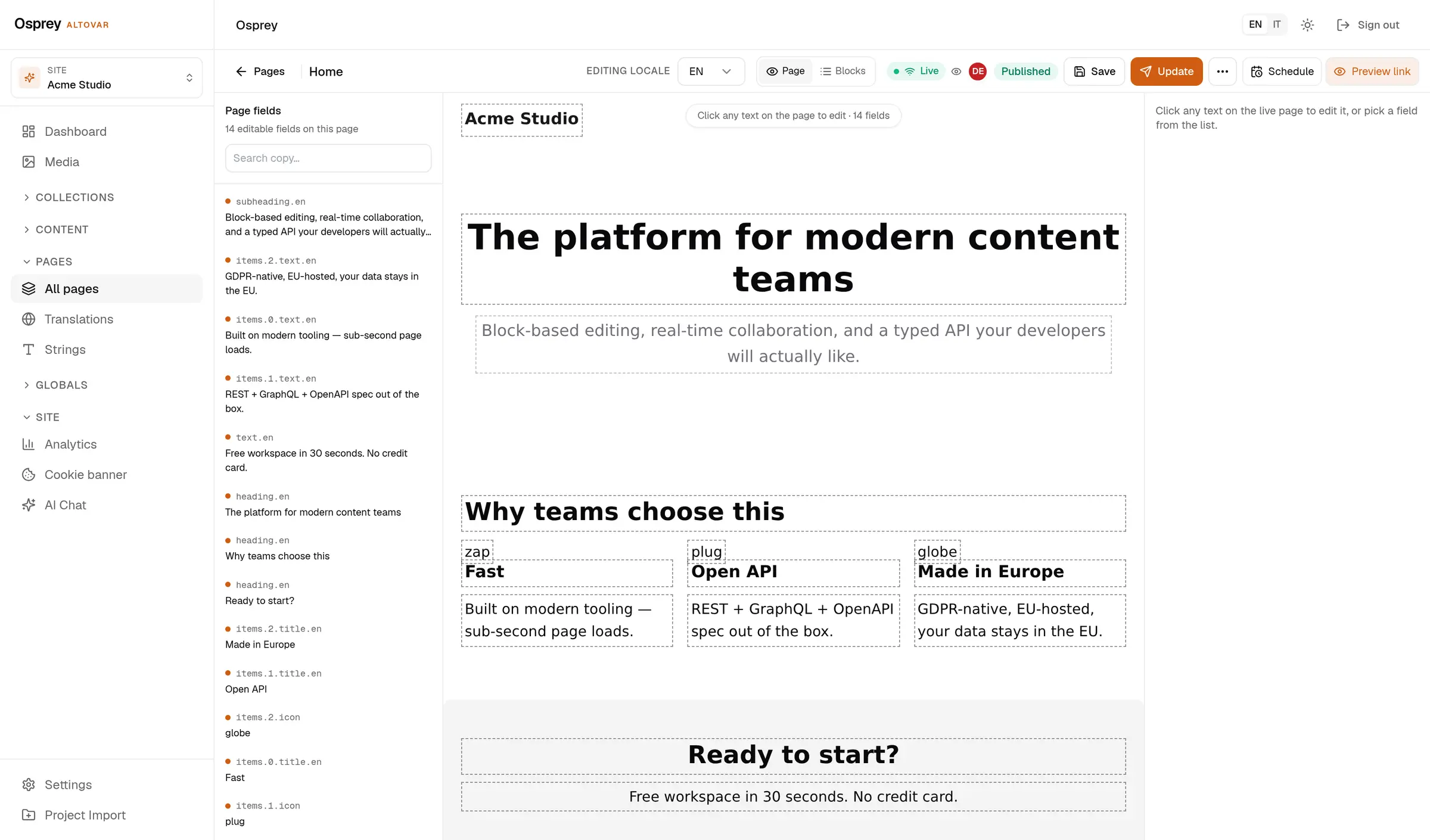
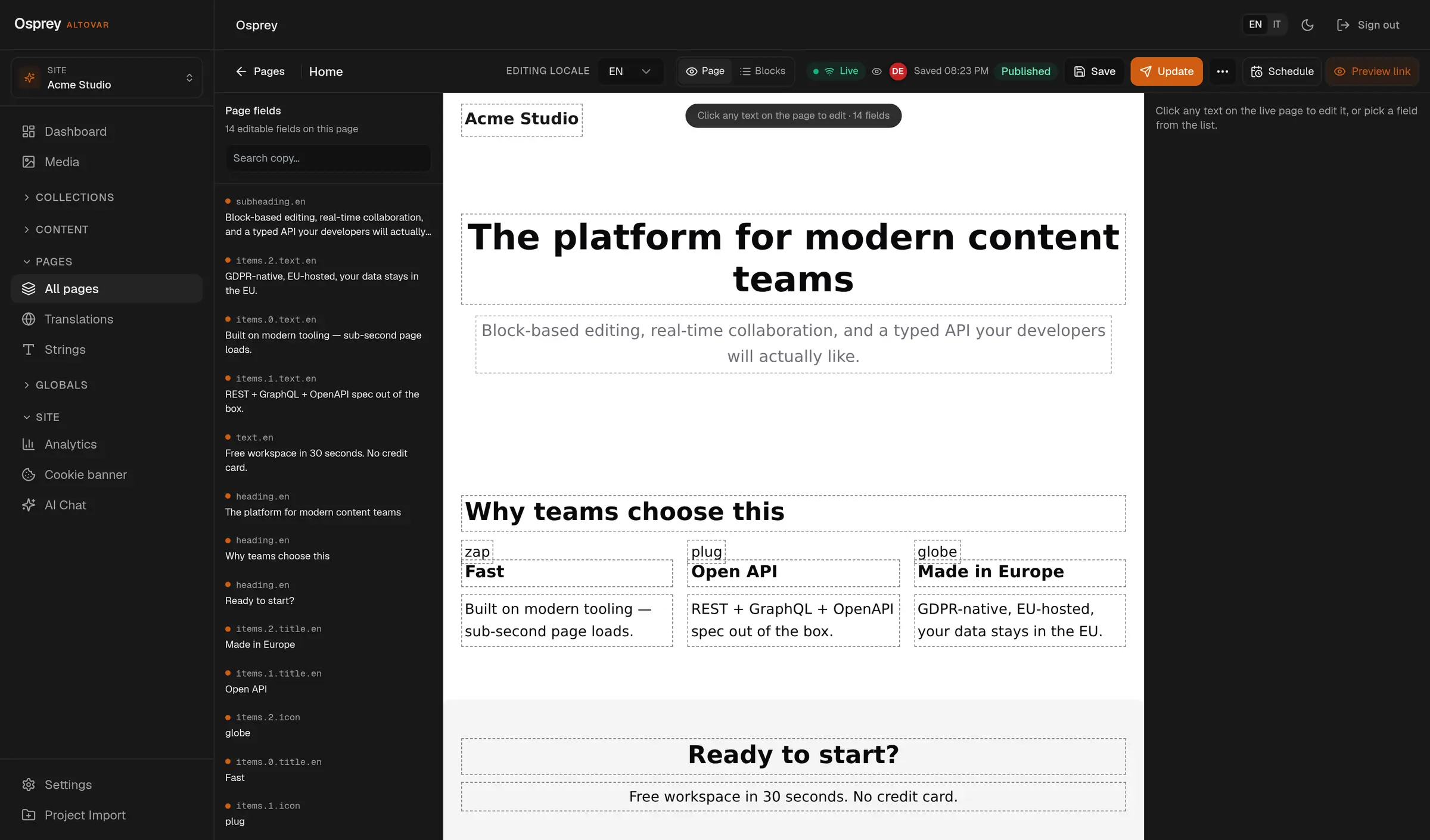
Yes. Work with blocks and a connected frontend preview. The visual editor requires the frontend integration and preview bridge to be configured. Try the local interactive editor on this site.
03How do languages work?
Configure up to ten content locales per workspace, edit localized fields and inspect translation coverage. The admin interface has five languages. AI translation depends on service configuration and allowance.
04What can Altovar AI do?
Help prepare draft pages, sections, copy, translations and SEO fields inside the CMS. It requires configured AI services and an available allowance. Actions follow the signed-in user’s permissions.
05Which features depend on my plan?
Limits and included features come from the billing catalog. Advanced approvals, live collaboration and field permissions require an eligible plan or contract; they are not implied by Starter.
06Can I use my own frontend or servers?
Yes. Osprey has first-party Astro and React/Next.js support, REST APIs and read-only GraphQL. Managed hosting and self-hosting are available; private packages and deployment access follow your agreement.
Create content.
Keep
control.
One workspace. From the first draft to your frontend.