
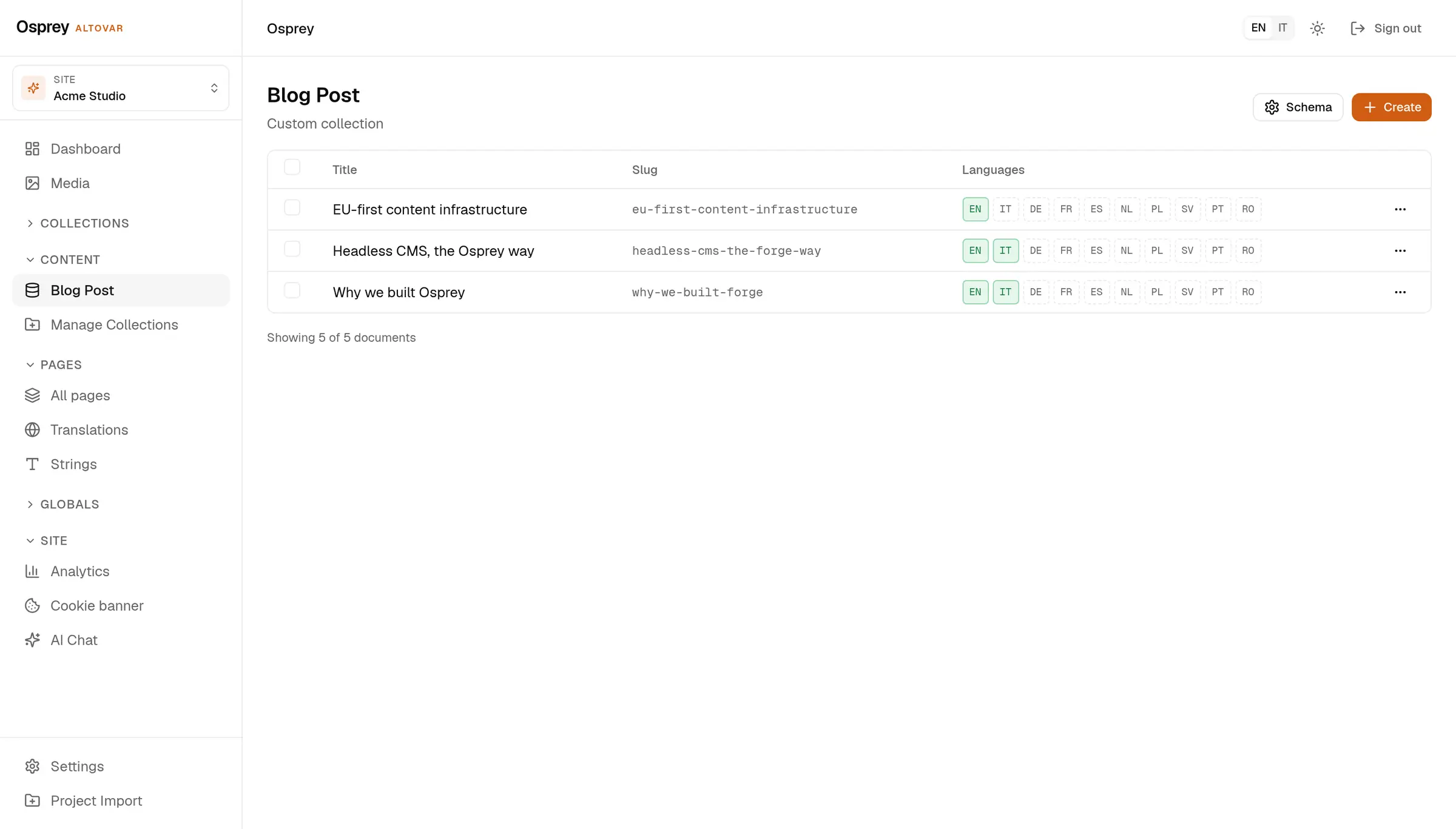
01Schema
The schema is the form.
Slug, fields, access rules. It lives in your repository and goes through review like any other code.
How it worksAltovar content infrastructure
Write and organize pages, images and translations in one workspace. Review changes, then send them to the website you already use.
Your content. The tools you already work with.
THE WORKSPACE
Give every page, collection and language a place to grow.
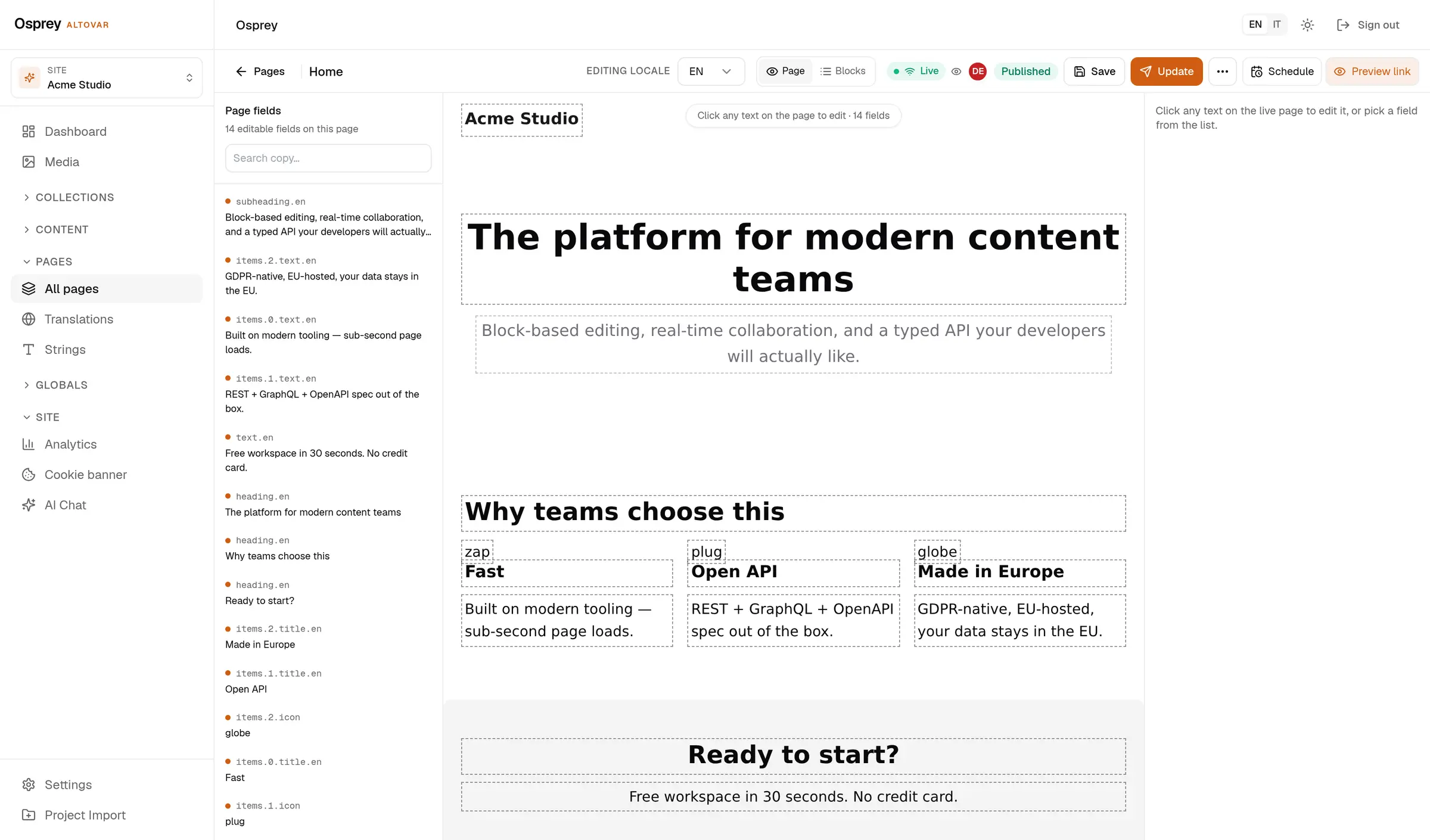
MADE FOR YOUR CONTENT
A clear workspace from the first field to the published page.
01Schema
Slug, fields, access rules. It lives in your repository and goes through review like any other code.
How it works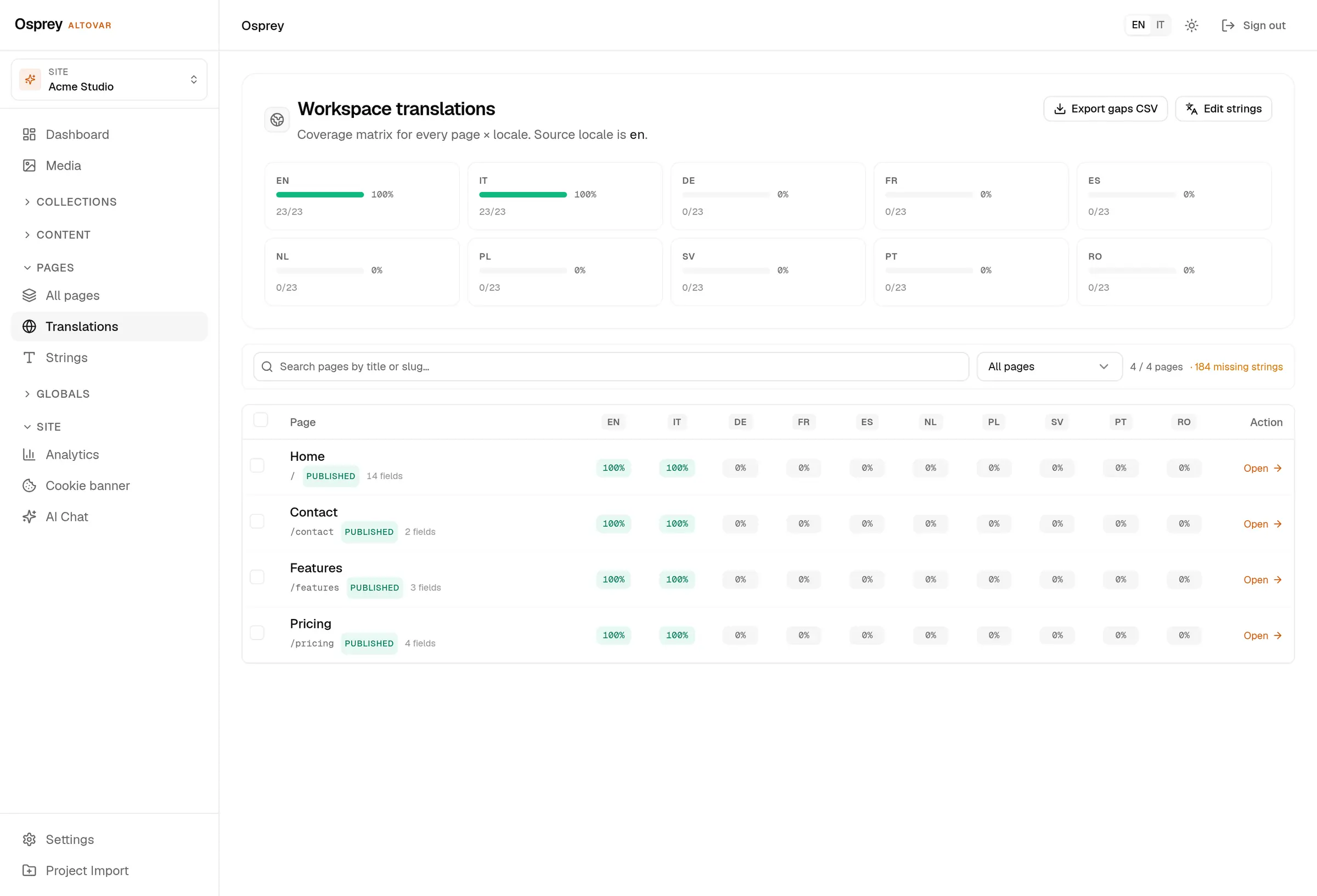
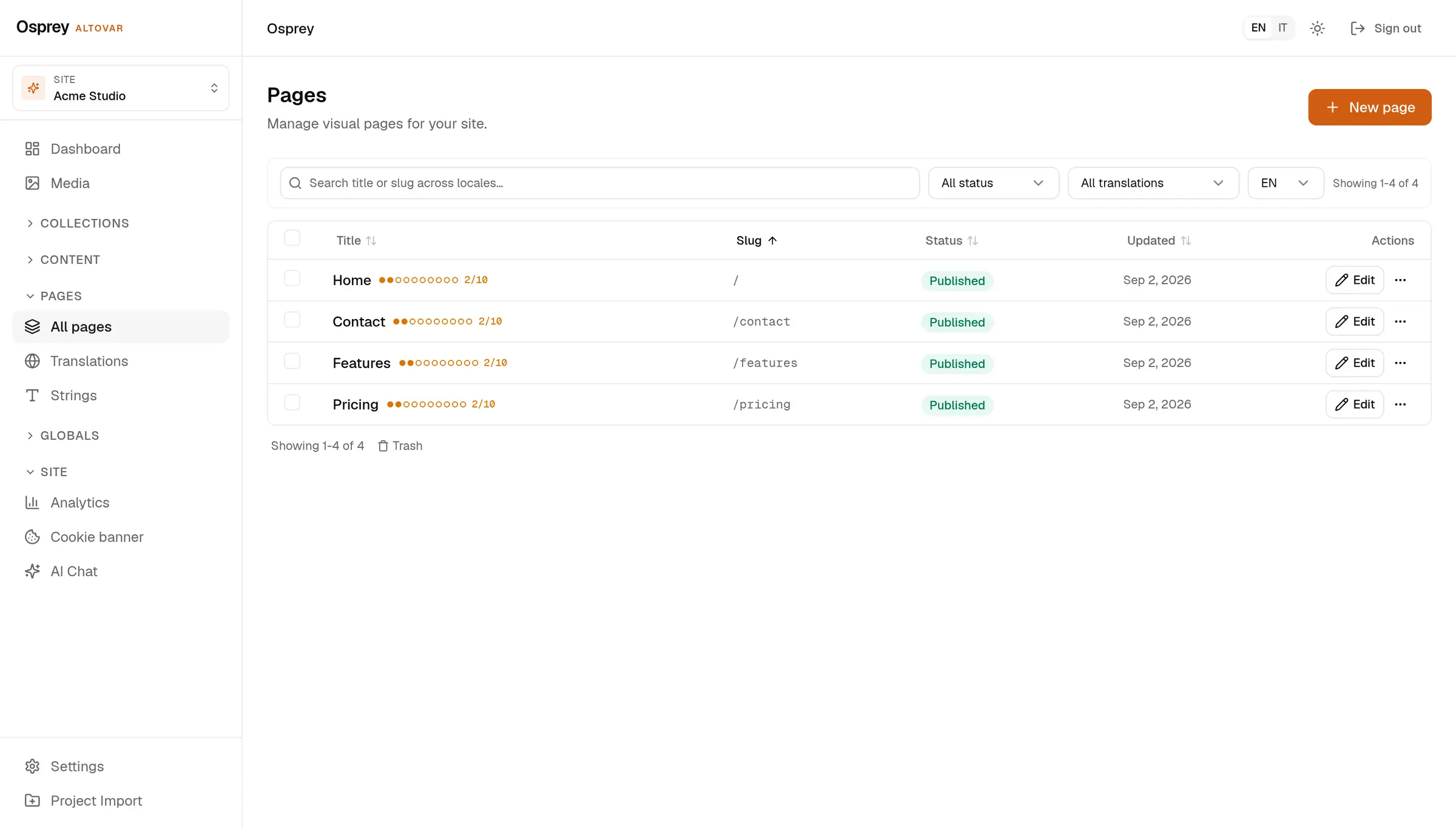
03Revisions
Pages support drafts, review, approval and scheduling. Page revisions include a diff and restore action, so you can inspect previous versions.
FeaturesDefine it once. Give your team room to create.
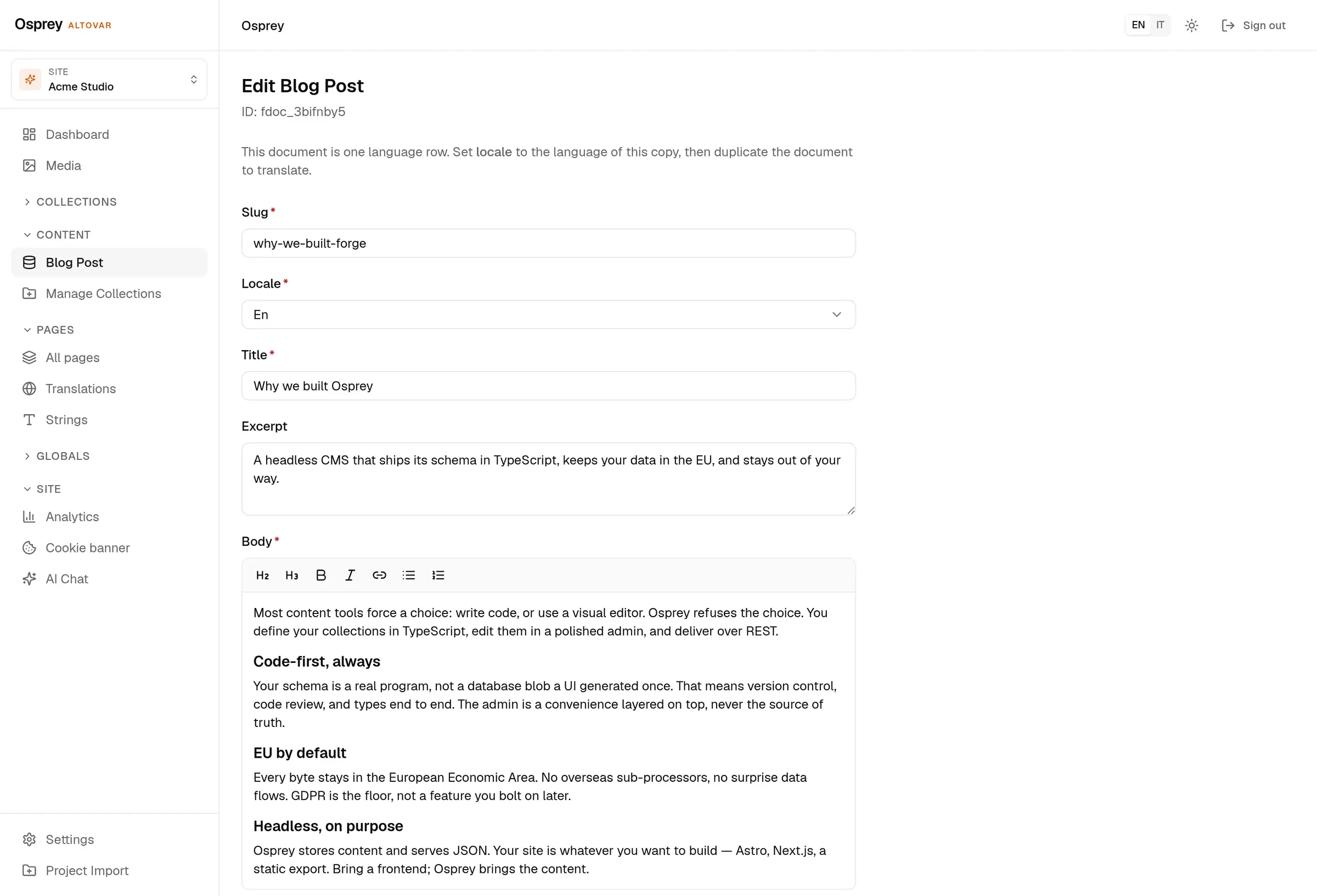
Slug, fields, access rules. It lives in your repository and goes through review like any other code.
Required fields, the locale selector, the rich-text body. Nothing is configured twice.
Pages support drafts, review, approval and scheduling. Page revisions include a diff and restore action, so you can inspect previous versions.
BUILT AROUND YOU
A workspace that fits the way you bring content to life.
Keep your frontend and connect it through REST, read-only GraphQL, the TypeScript client or the Astro loader.
Edit pages visually, move drafts through review and keep translations together in one workspace.
Start with an existing schema, work across sites and give each person the access their role needs.
THE FOUNDATIONS
Pricing
Every plan includes the full CMS, the APIs and ten languages. Upgrade when you outgrow the limits.
Block editor, REST + GraphQL API, 10 languages, community support.
Start freeCMS and API only: no renderer or hosting included, bring your own frontend.
Get startedAdds cookie consent, five webhooks, a 90-day audit log and email support.
Get startedProvisioned on Altovar Cloud. Requires an Osprey base plan.
Run Osprey on your own servers with the self-host stack and the first-run setup wizard.
A FEW ANSWERS
A little more about the way Osprey works.
Pages, articles, collections and media. Define your fields in TypeScript or create a collection from the admin, then edit content in the workspace.
Yes. Osprey manages the content while your website keeps its design and technology. Connect the two through REST, read-only GraphQL, the TypeScript client or the Astro loader.
Osprey plans include ten content languages. Choose which fields need translation and use the coverage view to find missing text. The admin interface is available in English, Italian, German, French and Spanish.
Pages support drafts, review, approval and scheduling. Page revisions include a diff and restore action, so you can inspect previous versions.
Yes. Use the self-host stack on your own infrastructure, or choose managed hosting in Europe. Ask us to help you choose the right setup.